
Write it once. Tap it forever.

Save the replies, captions and prompts you retype every day. Insert them from the keyboard in Messages, Mail and more.

Download on the App Store
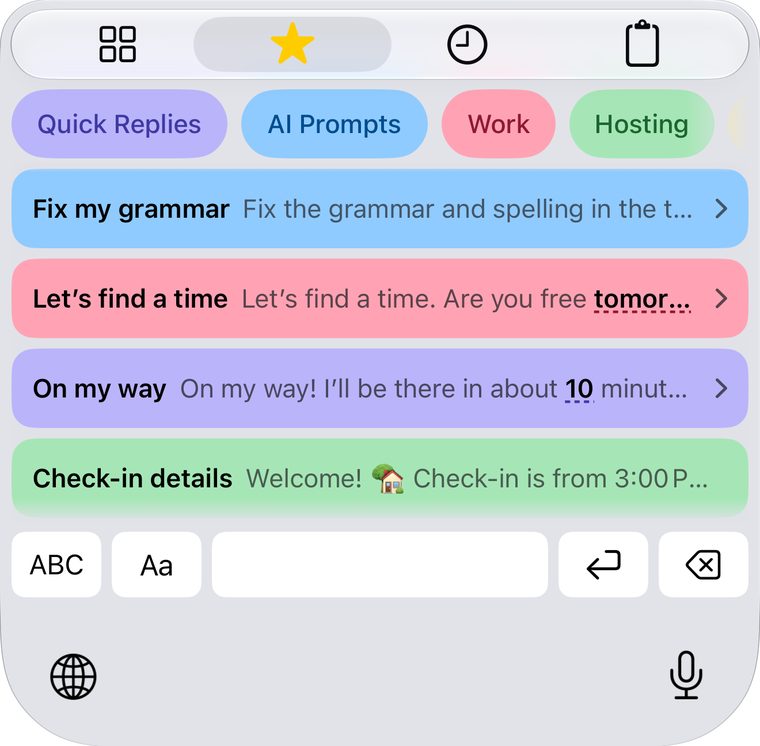
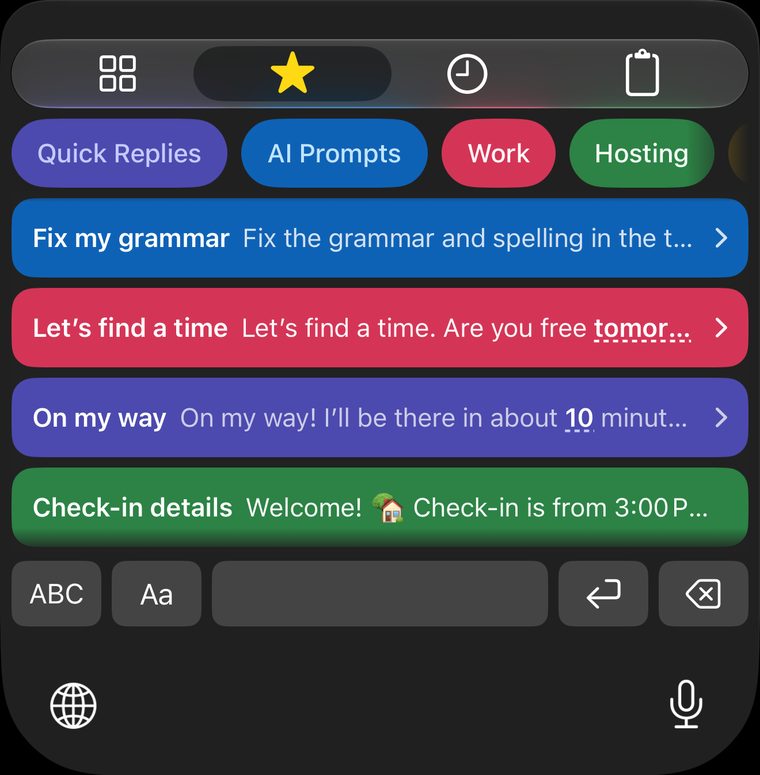
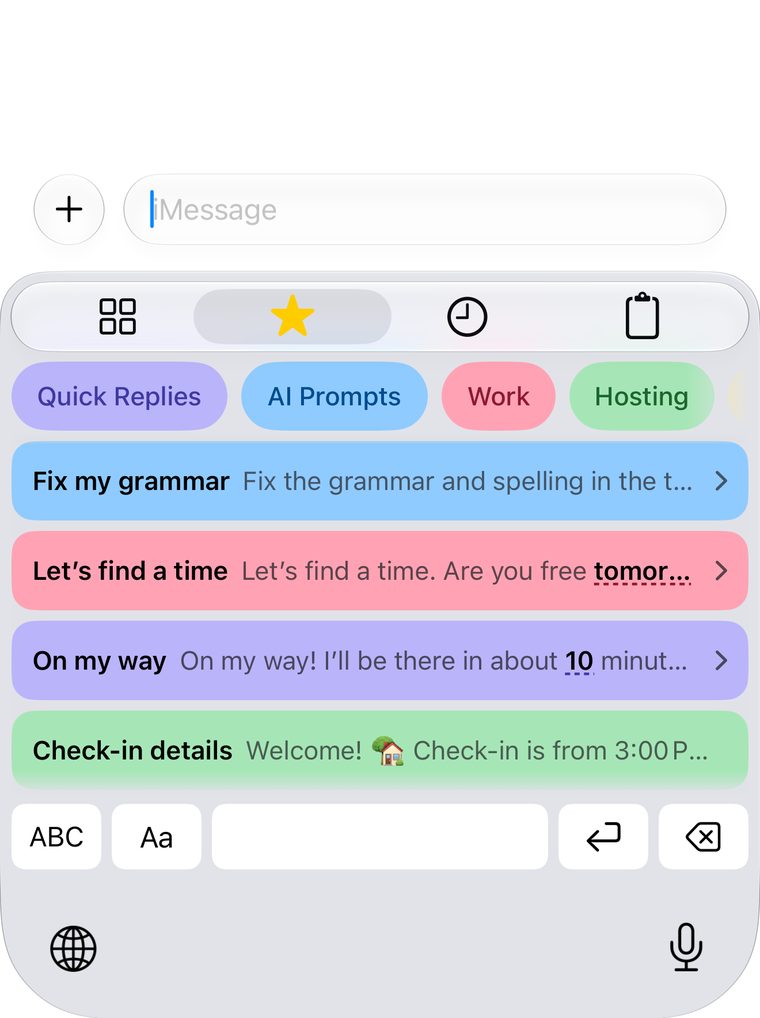
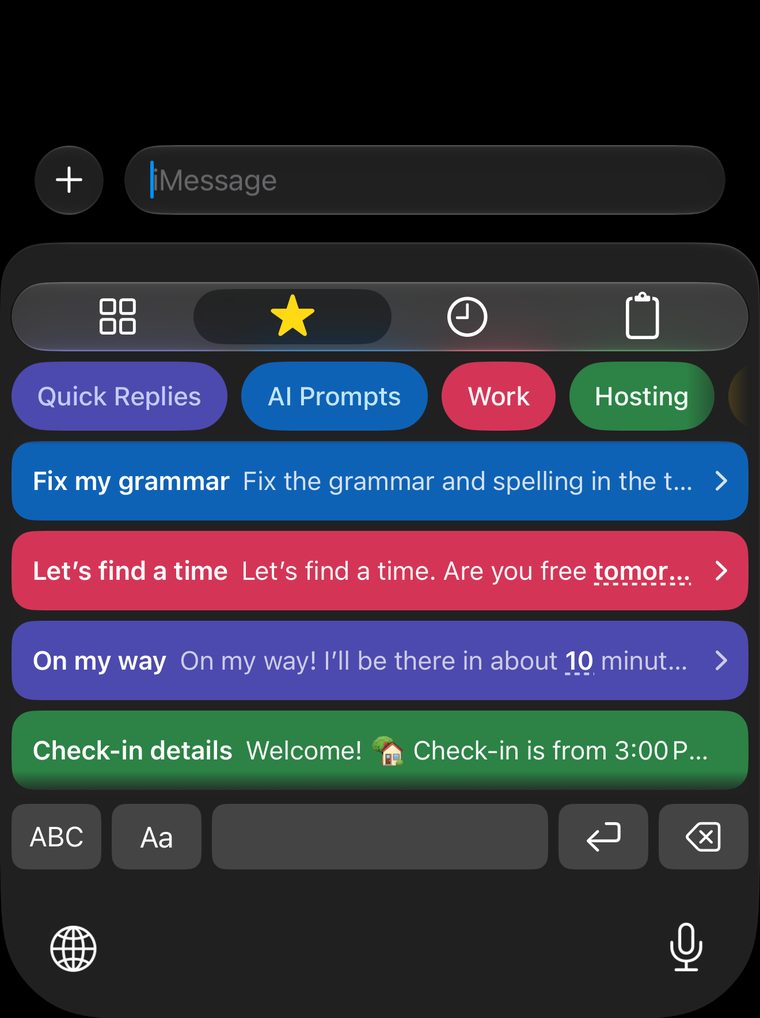
  • Fix my grammarFix the grammar and spelling below. Keep my voice and make it sound friendly.
  • Vlog caption🎬 Vlog #125 is live! Watch the full video at the link in bio.
  • Booking confirmedYou’re booked! ✅ Friday, October 16 at 9:00 AM. See you soon!
  • Run log🏃 Easy run · 8 km in 52:14. Effort: 6/10
  • Still available?Yes, it’s still available! 🙌 I can ship it today, or you can pick it up.
  • Thanks for reaching outI’m looking into this now and will get back to you within 24 hours.
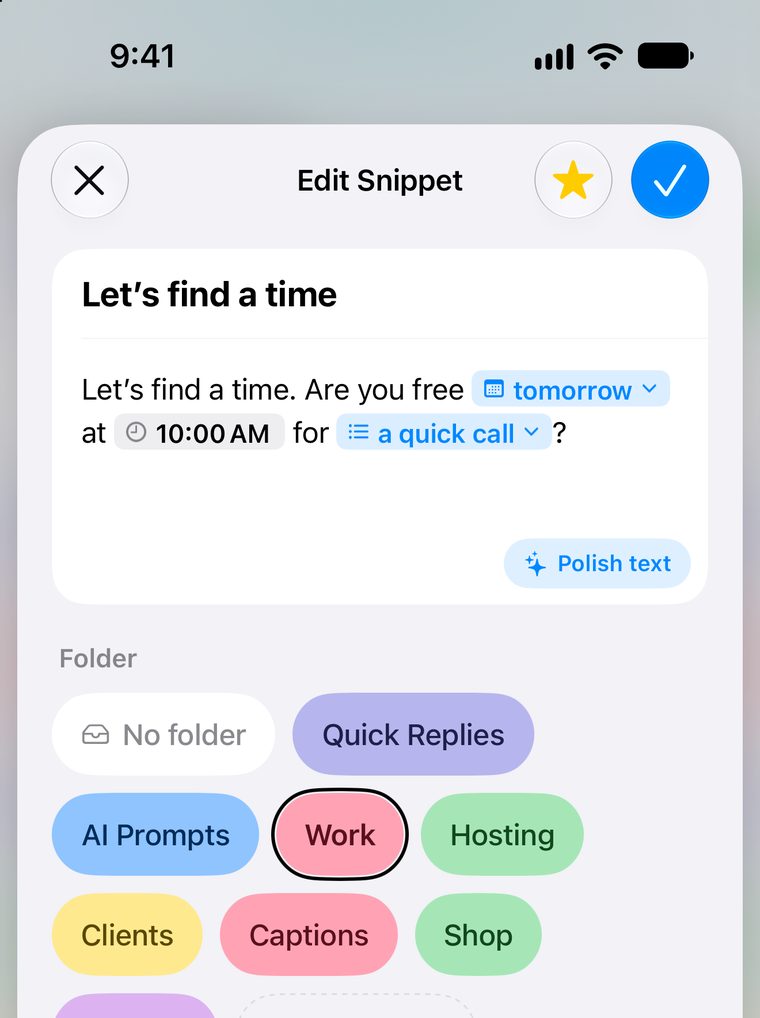
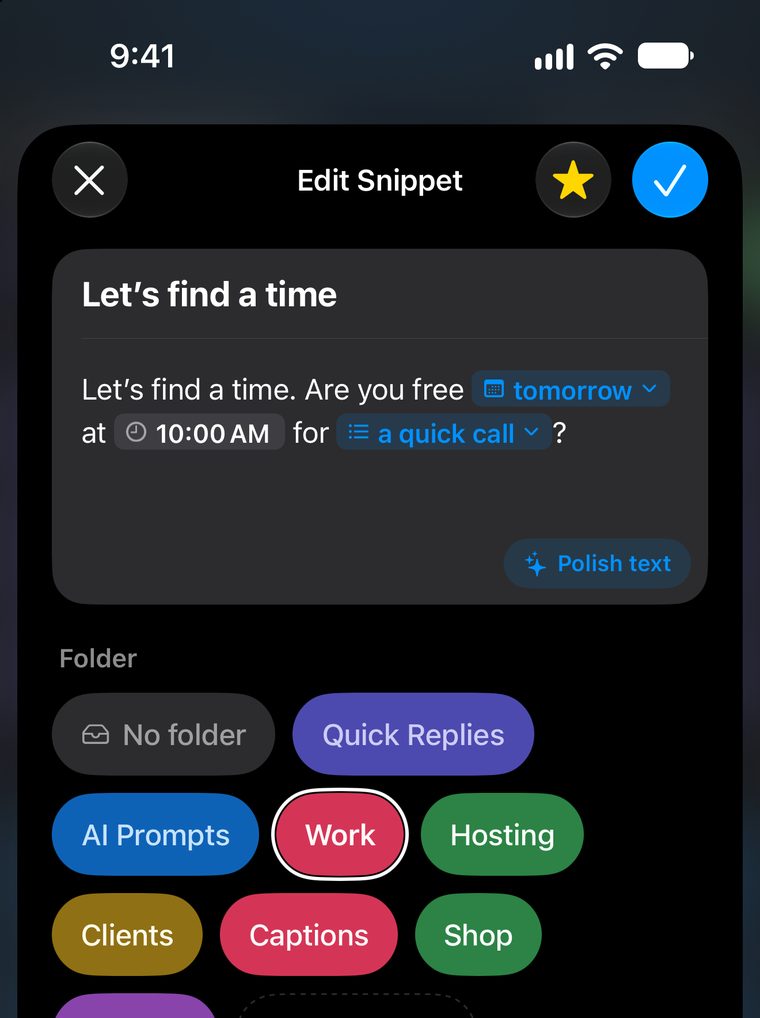
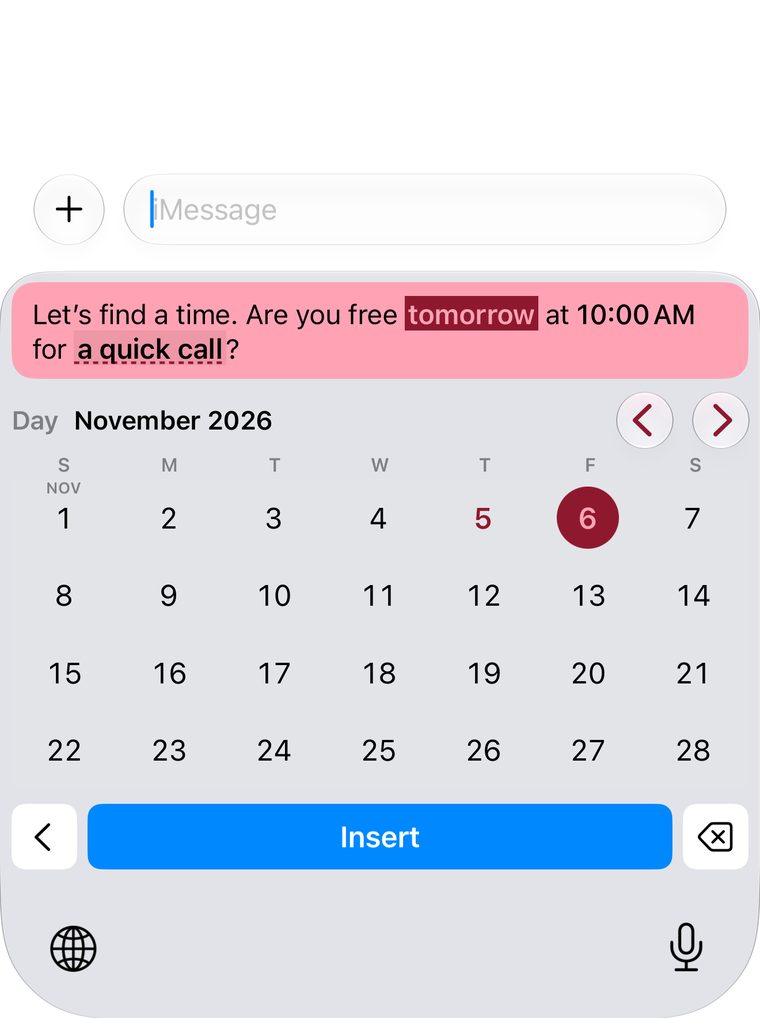
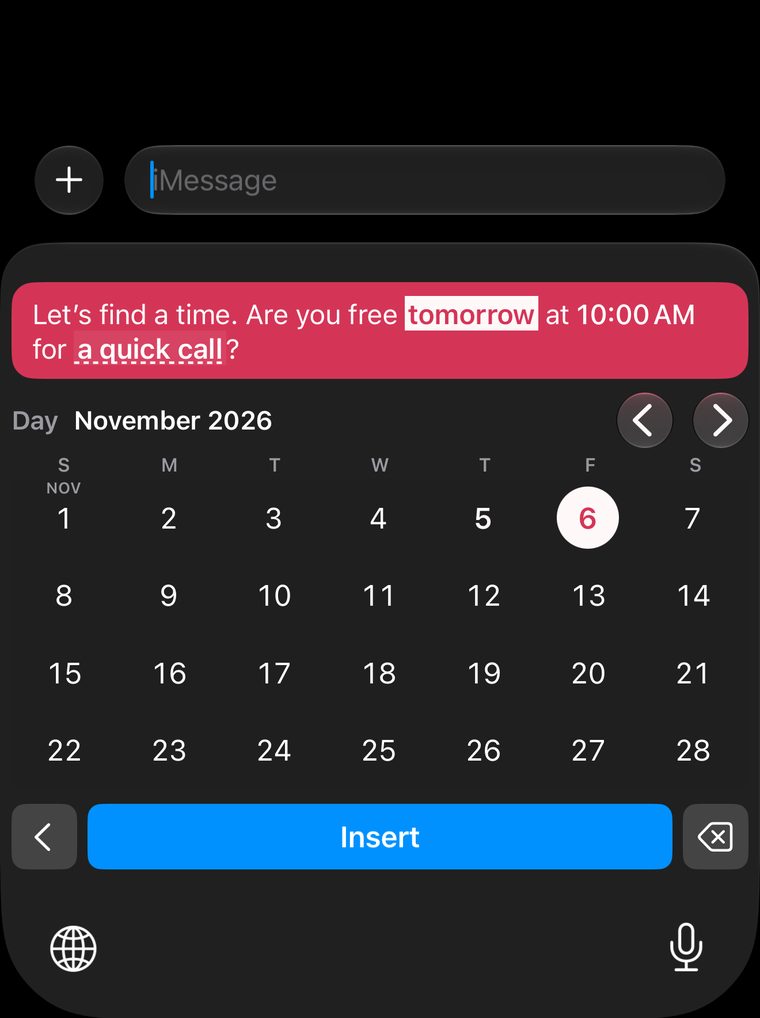
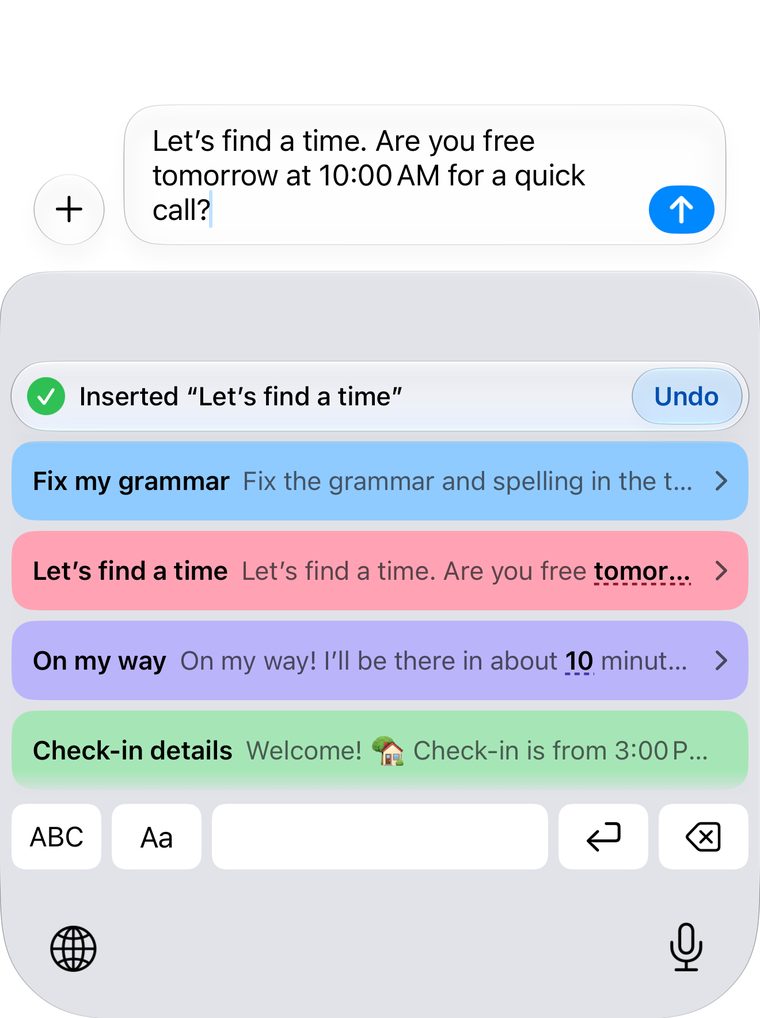
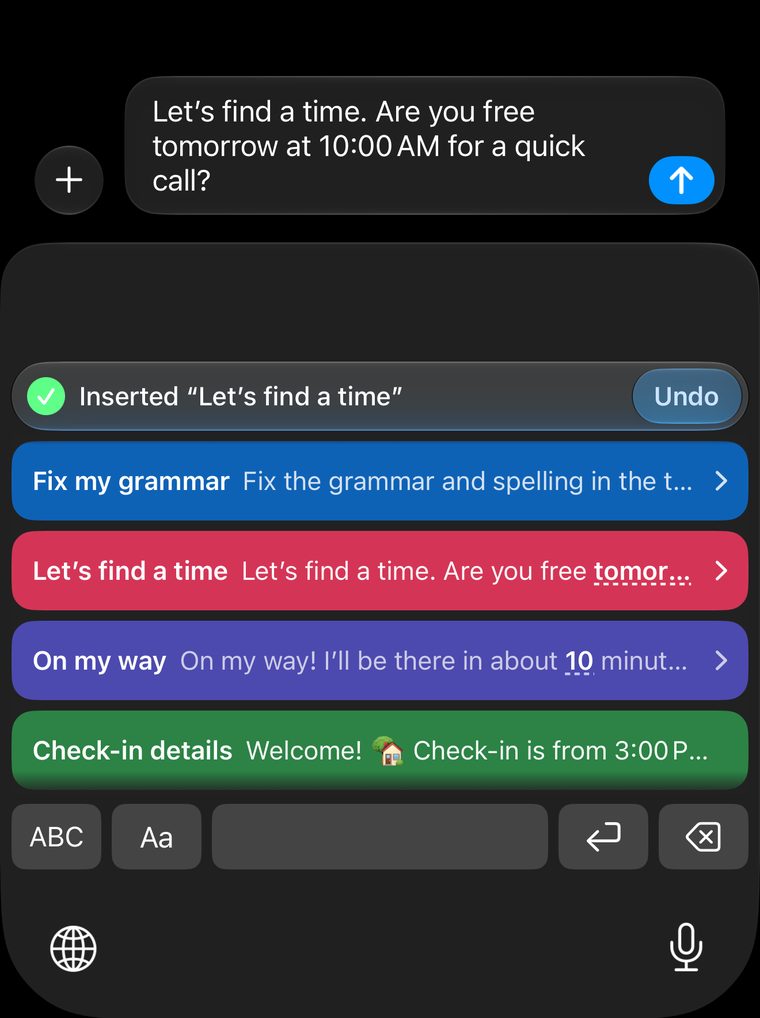
  • Let’s find a timeAre you free tomorrow at 10:00 AM for a quick call?
  • Out of officeI’m out until Wednesday, October 21. For anything urgent, call 202-555-0148.
  • Explain it simplyExplain the topic below like I’m new to it. Use one everyday example, and no jargon.
  • Cancellation policyPlease give at least 24 hours’ notice. Late cancellations are charged 50%.
  • StreakDay 47 of my 100-day running streak 🔥
  • Translate naturallyTranslate the text below into Spanish. Keep it natural, not word for word.
  • Cita confirmada¡Tu cita está confirmada! ✅ Te espero mañana a las 9:00 AM.
  • Order confirmedThanks for your order #1042! We’ll send tracking as soon as it ships.
  • Collab replyThanks for reaching out! 💛 Send your brief and budget and I’ll reply within 2 days.
  • On my wayOn my way! I’ll be there in about 10 minutes.
  • Reply to this emailWrite a reply to the email below. I want to say yes. Keep it under 120 words.
  • Coach check-inWeek 6 check-in ✅ Sleep: 7 hrs a night. Energy: great
  • Refund processedGood news: your refund of $24.99 is on its way. Allow 5 business days.
  • New episodeEpisode 32 is out now! 🎙️ Listen wherever you get your podcasts.
  • ReminderJust a reminder: see you tomorrow at 2:30 PM! Reply here if anything changes.
  • Running lateRunning about 10 minutes late. Start without me and I’ll catch up!
  • Shipping timesOrders ship within 1–2 business days. You’ll get tracking by email.
  • Summarize thisSummarize the text below in 3 bullet points, in plain words.

From saved to sent in three steps.

  1. Step 1

    Save it once

    Write the replies, updates and details you repeat.

  2. Step 2

    Switch keyboards

    In any app with a compatible text field, hold the globe key and pick SnippetCue.

  3. Step 3

    Tap to insert

    The whole message lands in the text field, ready to send. Undo is one tap away.

Small messages. Big time saved.

Fill-in fields

Fill in the blanks as you insert.

Days, times, durations, numbers and choices, picked right in the keyboard.

Still on for 6? 🙂

+ iMessage

Running about 10 min late, sorry! Meet you at the café.

Duration
the caféthe officethe gym
Insert

Polish

Sound your best in one tap.

Apple Intelligence fixes grammar and clarity, and leaves your fields alone.

My Info

Your details, filled in for you.

Save them once, then stack them into signatures, intros and contact cards.

Paste and Share

Keep what you copy.

Paste from the keyboard into any app. It’s saved to Pasted at the same time.

Your library

Organized the way you think.

Folders, favorites, Recent and Pasted, in the same colors you see in the keyboard.

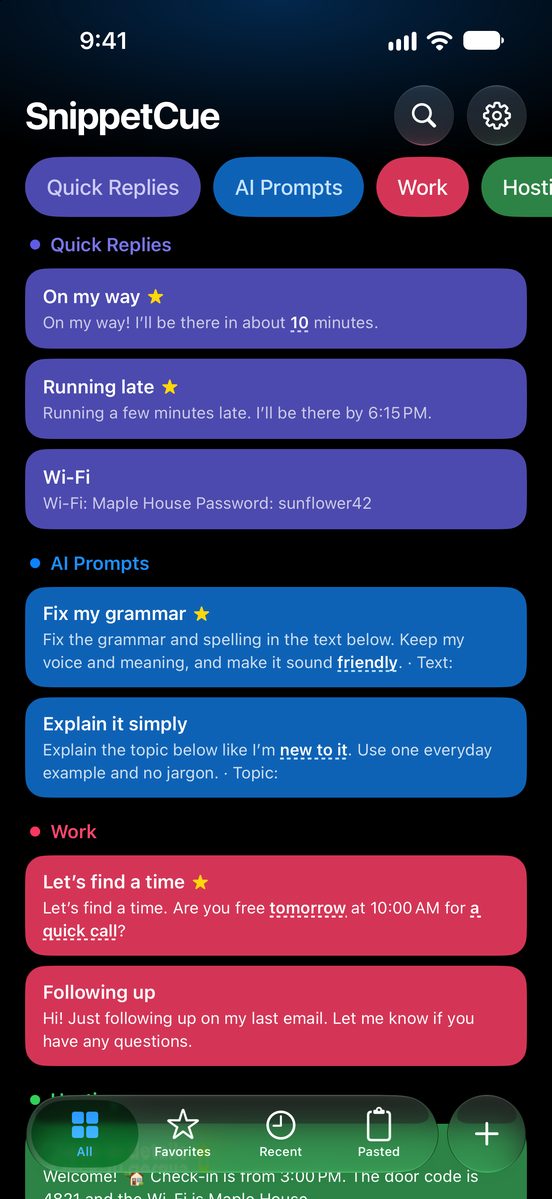
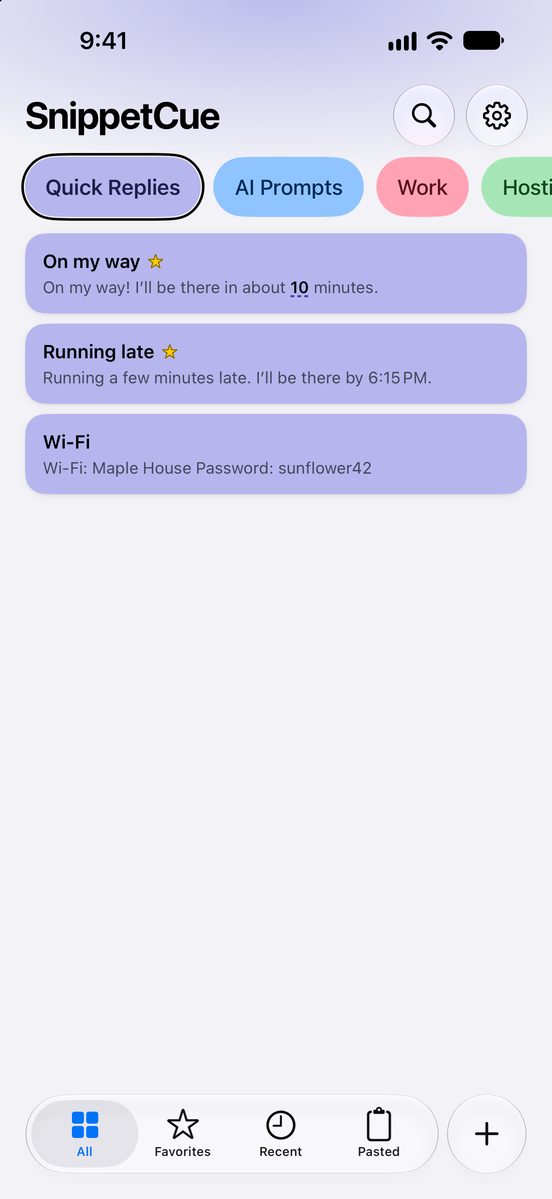
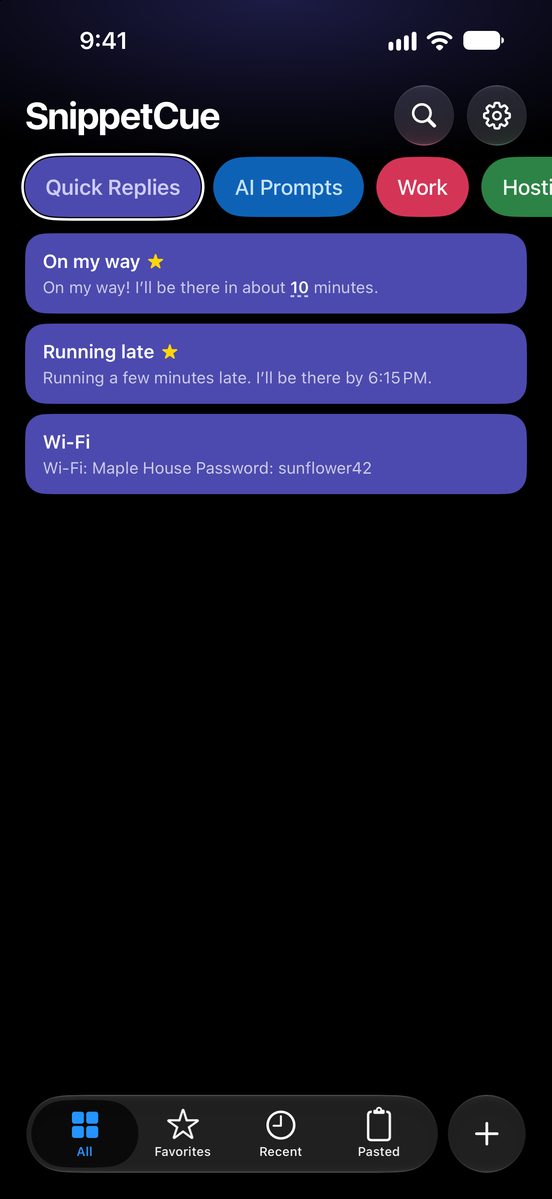
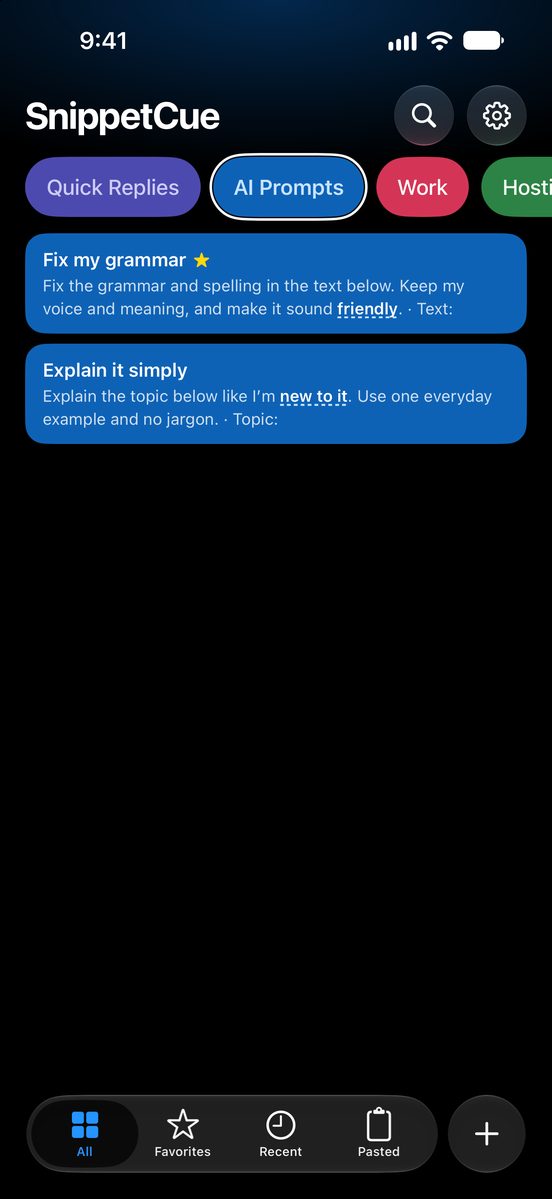
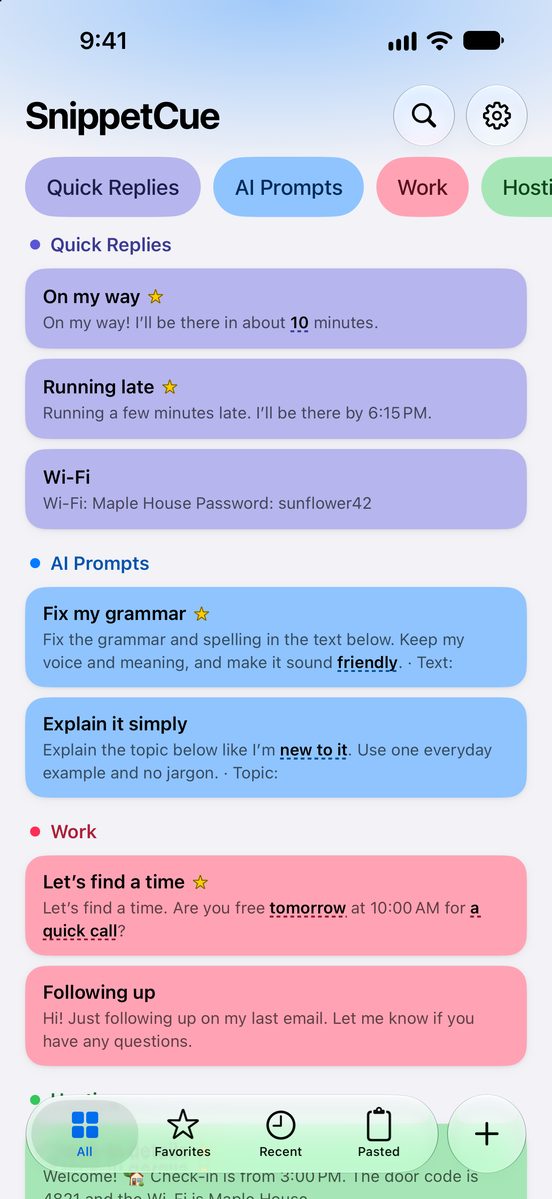
SnippetCue Home showing All snippets.

Whatever you type, keep it ready.

AI prompts Creators Appointments Fitness Shops and support

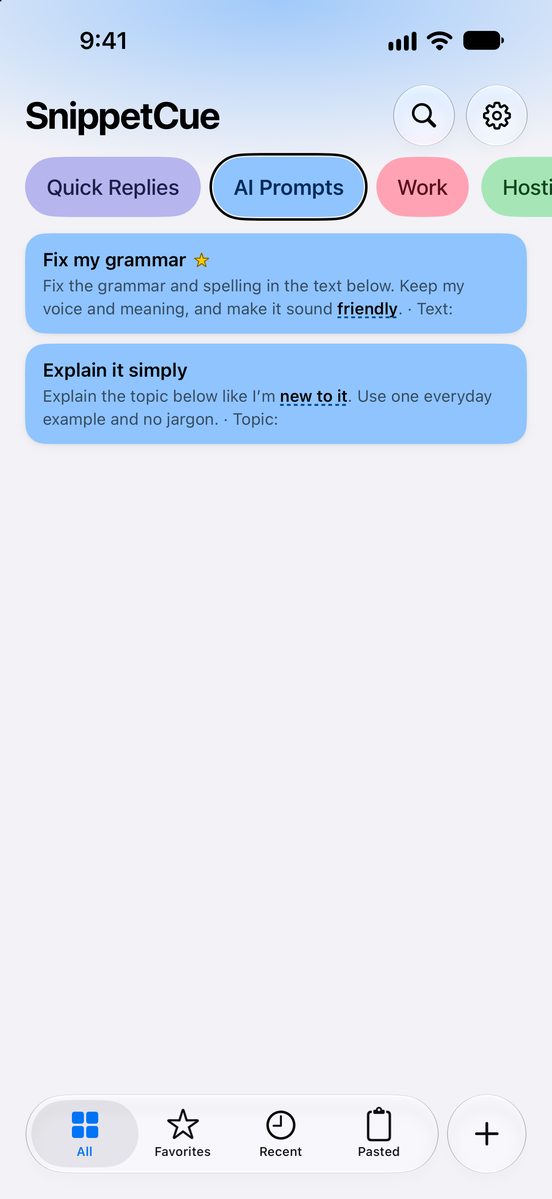
Your best AI prompts, one tap away.

Save the prompts you reuse and insert them in your AI chat app. Blanks for tone, length or language change the prompt without retyping it.

AI Prompts

Fix my grammar

Fix the grammar and spelling in the text below. Keep my voice and meaning, and make it sound friendly. Show only the corrected text.

Reply to this email

Write a reply to the email below. I want to say yes. Keep it under 120 words, warm but professional.

Translate naturally

Translate the text below into Spanish. Keep the tone natural, the way a native speaker would say it.

Captions, DMs and brand deals, ready to post.

Counters number your vlogs, episodes and series for you. Hashtag sets, link replies and #ad disclosures stay a tap away.

Creators

Vlog caption

🎬 Vlog #125 is live! 👉 Watch the full video at the link in bio. 🔔 New videos every Tuesday and Friday.

Call to action

Follow for part 2 👀

Collab reply

Thanks for reaching out! 💛 Send your brief, timeline and budget and I’ll get back to you within 2 days.

Bookings, reminders and policies in seconds.

For salons, barbers, coaches and anyone who books clients by text. Your address and booking link fill in from My Info, in English or Spanish.

Appointments

Booking confirmed

You’re booked! ✅ Friday, October 16 at 9:00 AM. See you soon!

Cancellation policy

Please give at least 24 hours’ notice. Late cancellations and no-shows are charged 50% of the service.

Cita confirmada

¡Tu cita está confirmada! ✅ Te espero mañana a las 9:00 AM. ¡Nos vemos!

Log runs, lifts and check-ins without typing.

A day counter keeps your streak, durations log run times and numbers log distance, reps and weight.

Fitness

Run log

🏃 Easy run · 8 km in 52:14. 💪 Effort: 6/10

Streak

Day 47 of my 100-day running streak 🔥

Coach check-in

Week 6 check-in ✅ Sleep: 7 hrs a night. Energy: great

Answer customers faster, and kindly.

Order and ticket numbers count up on their own, and every reply sounds like you on your best day.

Shop

Order confirmed

Thanks for your order #1042! We’ll send tracking as soon as it ships.

Still available?

Yes, it’s still available! 🙌 I can ship it today, or you can pick it up downtown.

Thanks for reaching out

Hi! Thanks for reaching out 😊 I’m looking into this now and will get back to you within 24 hours.

Nothing you type leaves your iPhone.

  • No account

    Open the app and start. There’s nothing to sign up for.

  • No tracking

    No analytics, no ads and no third-party code in the app.

  • On-device Polish

    Apple Intelligence runs on your iPhone. Nothing is sent to a server.

Why does the keyboard ask for Full Access?

Full Access lets the keyboard read the snippets you save. iOS asks for it before any keyboard can read its own app’s library or show Apple’s Paste button. Without it, the keyboard still offers the ten starter snippets.

Read the Privacy Policy

Why I made SnippetCue

I kept typing the same messages every day. The same replies, the same updates, the same details. Text Replacement helped until the part that changes, like a day, a time or a name.

So I built a keyboard full of my own messages, with blanks I fill in as I tap. It keeps everything on my iPhone, because what I type is nobody else’s business. And it doesn’t ask for a monthly fee.

Diego

Free to start. Pay once for more.

Free

$0

  • 10 snippets, plus ten editable starters
  • Fill-in fields, My Info and Polish
  • The keyboard, Paste and Share
  • Backup and 30-day Trash

SnippetCue Pro

$4.99 once

  • Unlimited snippets
  • Three more app icons
  • No subscription

U.S. price. Storage and per-snippet size limits apply on both plans. Polish needs an iPhone where Apple Intelligence is available.

Questions

Can I still type normally?

Yes. Tap ABC for letters, numbers and symbols. The row under your snippets has space, return and delete, and the globe key switches back any time.

Does it work in every app?

It works in compatible text fields, like Messages and Mail. Some secure or restricted fields, like passwords, use the system keyboard instead.

Can I save AI prompts?

Yes. Save the prompts you use often, with blanks for things like tone, length or language, and insert them in your AI chat app’s text field like any other snippet. SnippetCue doesn’t send them anywhere itself.

Can my snippets be in another language?

Yes. Snippets can be in any language, so you can keep replies in English and Spanish side by side. The app itself is in English.

Is there a subscription?

No. SnippetCue is free to download, and Pro is a single $4.99 purchase (U.S. price) that removes the snippet limit.

What does Polish need?

Polish uses Apple Intelligence on your iPhone, so it appears on iPhones where Apple Intelligence is available and turned on. Everything else works on any iPhone with iOS 26 or later.

How do I back up my snippets?

Export your library as a readable file from Settings › Backup, and import it again any time.

SnippetCue app icon

Reusable text, ready to type.

Download on the App Store